 TRACBOSS
Back to Viewer
TRACBOSS
Back to Viewer
TRACBOSS
Back to Viewer
TRACBOSS
Back to Viewer
Follow these four steps in the TuneBoss mobile app to export a datalog file, then upload it into TracBoss Datalog Viewer.
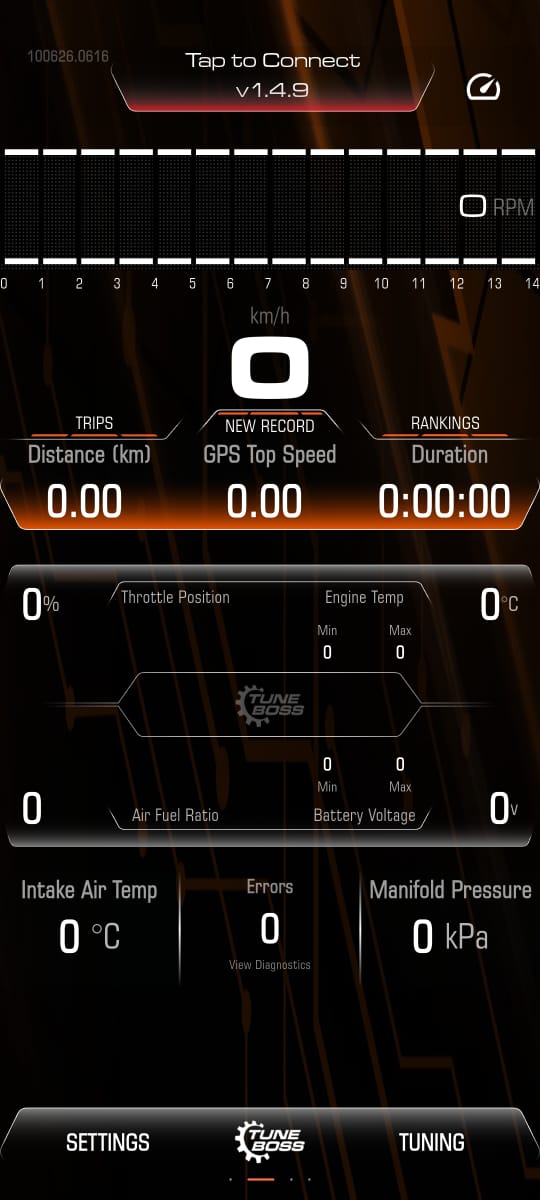
Tap on the TRIPS section highlighted below on the main dashboard to view your saved datalog history.
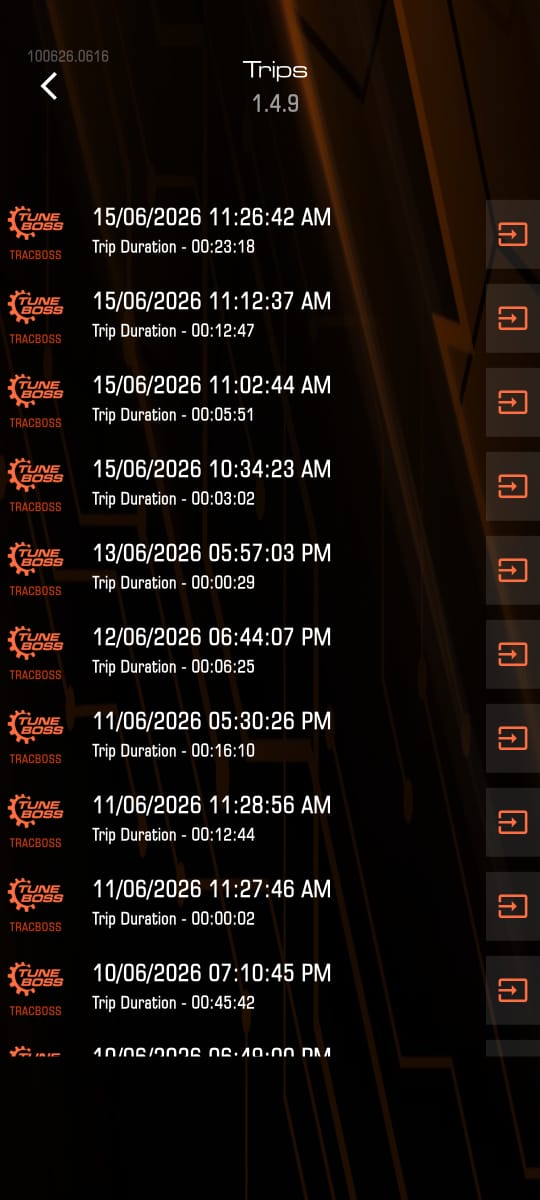
The app will display your historical list of trips. Scroll through and select the specific datalog session you want to open and analyze.
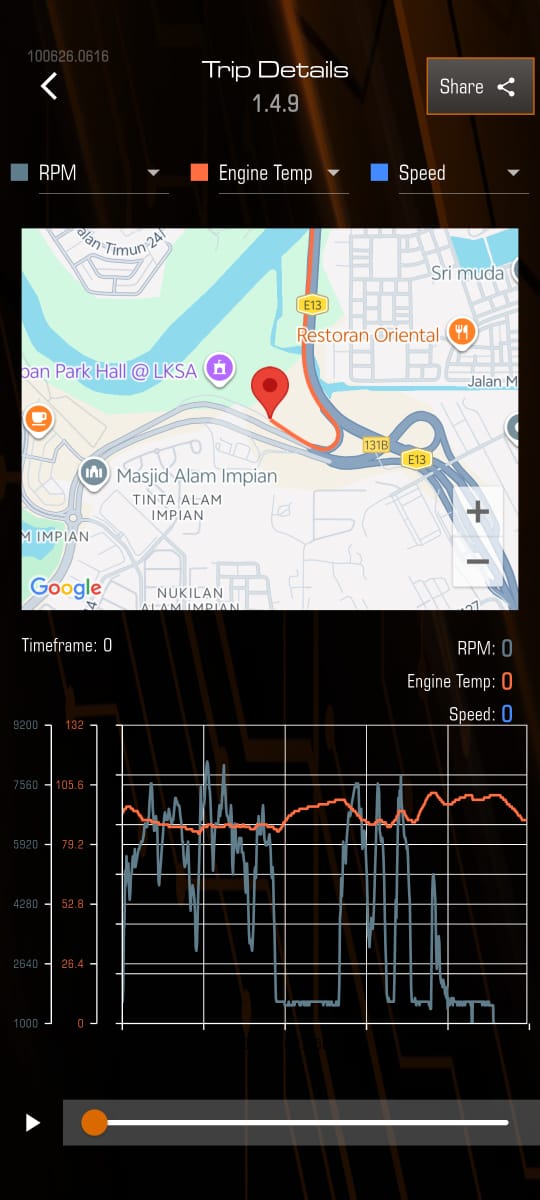
Once the Trip Details page loads showing your GPS data and parameter graphs, tap the Share button located at the top right corner.
A pop-up menu will appear asking you to choose a datalog type. Tap the TBD button to save or export your file to your device.
